
Send it once
Publish over RTMP, RTMPS, SRT, WHIP from a browser tab, or Icecast for radio, or pull an RTMP, RTSP, SRT or HLS source. A backup key takes over within seconds when the main encoder drops.
Hubfly space StreamsManaged live video
Send one stream from OBS, a browser or a camera, combine it with others in a live studio, then spread it to your own player, YouTube, Twitch and any other platform at once. Pay for the speed you reserve and the bandwidth you send.
Built for your workflow
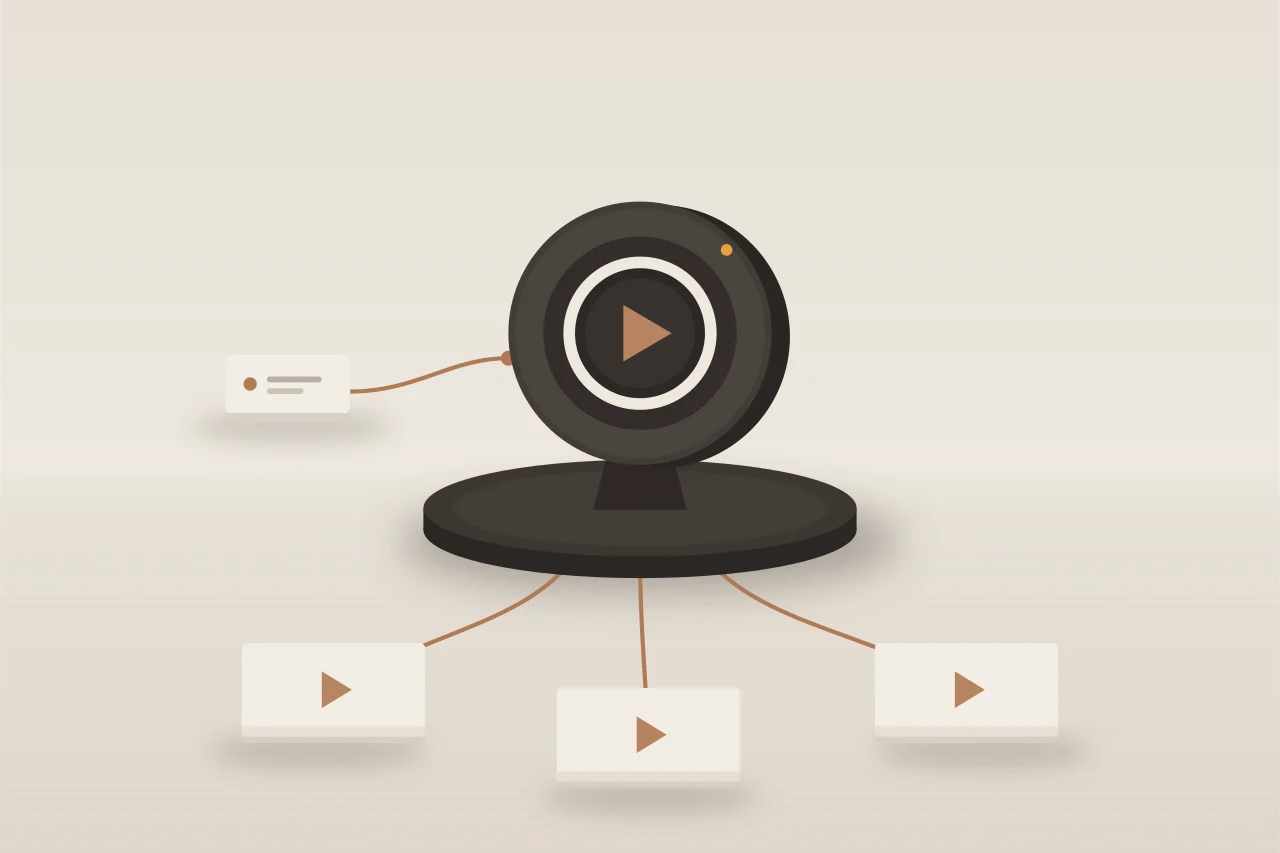
A stream server takes your inputs, mixes them if you like, and sends the result to viewers and to every platform you choose. Hubfly space runs the media engine; you decide what goes on air, when, and who can watch.
Publish over RTMP, RTMPS, SRT, WHIP from a browser tab, or Icecast for radio, or pull an RTMP, RTSP, SRT or HLS source. A backup key takes over within seconds when the main encoder drops.
Scenes and layouts (picture-in-picture, side by side, grids), images, text and SVG graphics with live variables, audio mixing and transitions, driven from the browser studio, the API, the CLI or a schedule.
Restream to YouTube, Twitch, Facebook, Kick, X, LinkedIn or any RTMP(S) or SRT target, with no limit on destinations. Viewers watch over WebRTC in under a second, LL-HLS, HLS or Icecast, with an embeddable player and your own domain.
Go live, switch scenes, start destinations and recordings on a timetable in your time zone, and loop playlists of Hubfly space Storage videos into channels that never stop.
Recordings and clips land in Hubfly space Storage as video-on-demand assets, ready to play back. DVR lets viewers rewind up to six hours.
Signed playback tokens, allowed origins and networks, viewer caps, signed webhooks, and live health for every input: bitrate, fps, keyframes, B-frames and SRT link stats.
How it works
Encoders publish to your server at <name>.live.hubfly.app. Channels turn inputs and mixes into what people watch, and destinations push a channel to other platforms.
Choose its speed, from 25 Mbps (free while you stay inside the monthly allowance) to 2,500 Mbps. It comes with a first input and its stream key.
Paste the RTMPS URL and stream key into OBS, vMix or ffmpeg, or publish from a browser tab over WHIP.
Add a channel for your player or embed page, and destinations for YouTube, Twitch or anywhere else. Schedule shows and recordings when you are ready.
Illustrative server. Speed is billed per hour while the server runs; bandwidth and encoding are billed on use.
Use it from the CLI
hubfly stream, or live for short, creates servers, inputs, channels and destinations, shows live health, switches scenes, pushes a file or camera, and mints test tokens. Keys stay masked unless you reveal them.
Command referencehubfly-cli
Pricing
Three meters, billed by the hour. Speed is the cap you reserve while a server runs; processing counts only the outputs Hubfly space re-encodes; bandwidth counts what you send. A stopped server costs nothing.
| Meter | Price | What counts |
|---|---|---|
| Speed | $0.03 per Mbps a month (41 µUSD per Mbps-hour) | The server's speed cap, for each hour it runs. Presets from 25 to 2,500 Mbps, or any value from 10 to 2,500 in steps of 5. Change it live; a stopped server costs nothing. |
| Processing | $0.004 per encoded Mbps-hour | Only outputs Hubfly space encodes: transcoding ladders, mixer programs, audio conversions and playlists that must re-encode. Passthrough, packaging, restream copies and slates are free. |
| Bandwidth | $0.004 per GB sent | Viewers (HLS, LL-HLS, WebRTC, Icecast), restream destinations, RTMP and SRT pulls, thumbnails, status and embed pages. |
| Ingest and Storage transfers | Free | Everything publishers and pulls send in, recordings and playlists to and from Hubfly space Storage, and studio previews in Dashboard. |
Speed
Processing
Bandwidth
Ingest and Storage transfers
The first 25 Mbps of each hour are free, so one 25 Mbps server that runs all month costs nothing for speed.
Free each month for viewers, restream destinations and pulls. After that, $0.004 per GB.
Enough for a 720p, 480p and 360p ladder for more than five hours a month. Passthrough never uses it.
Publishing, pulls and transfers to and from Hubfly space Storage are never billed, at any volume.
Each example assumes it is the account's only streaming that month, after the free allowance.
| Use | Hubfly space Streams | Elsewhere |
|---|---|---|
| OBS at 6 Mbps to YouTube, Twitch and Kick, 60 hours a month, on a 25 Mbps server | ≈ $1.74 a month: 486 GB pushed, 436 GB billable. Speed and processing are free (restream copies are not encoded). | Restream Standard: $19 a month |
| A 2-hour 1080p webinar with a 720p/480p/360p ladder, 300 viewers averaging 3.5 Mbps, speed raised to 1,100 Mbps for the day | ≈ $4.64: 945 GB, of which 895 GB billable = $3.58; speed $1.06; processing 10.4 Mbps-hours, inside the free 20 | Cloudflare Stream ≈ $36; Mux ≈ $40 |
| Hubfly space Storage videos looped 24/7 to YouTube at 4.5 Mbps | ≈ $5.71 a month: 1,478 GB pushed. Matching renditions play without re-encoding, and 25 Mbps of speed is free. | Restream's looping add-on starts at $79 a month |
| 24/7 radio at 128 kbps (AAC passed through plus one MP3 conversion), 100 listeners on average | ≈ $16.83 a month: bandwidth $16.62, processing $0.21 | Typical radio hosting: $10–20 a month |
| A 1 Gbps server running all month | ≈ $29.18 a month for speed, plus the bandwidth used | — |
OBS at 6 Mbps to YouTube, Twitch and Kick, 60 hours a month, on a 25 Mbps server
A 2-hour 1080p webinar with a 720p/480p/360p ladder, 300 viewers averaging 3.5 Mbps, speed raised to 1,100 Mbps for the day
Hubfly space Storage videos looped 24/7 to YouTube at 4.5 Mbps
24/7 radio at 128 kbps (AAC passed through plus one MP3 conversion), 100 listeners on average
A 1 Gbps server running all month
Market figures are 2026 list prices for Restream, Cloudflare Stream and Mux, and typical radio hosting plans.
RTMP on TCP 1935, RTMPS and WHIP on 443, SRT on UDP 9000, Icecast on 8000 or 443, and WebRTC media on UDP and TCP 8189. Every URL uses your server host, <name>.live.hubfly.app, or a custom domain you verify. Pulls dial out to public RTMP, RTSP, SRT or HLS addresses only.
Under a second on WebRTC (WHEP), about 3–5 seconds on LL-HLS and 15–25 seconds on standard HLS. The embeddable player and <hubfly-player> try WebRTC first and fall back to LL-HLS, then HLS, on their own.
Browsers cannot play WebRTC video with B-frames. Set B-frames to 0 in your encoder (OBS: x264 options bf=0, or a baseline profile) to keep WebRTC as a free passthrough. With B-frames on, WebRTC viewers get the first rendition of a transcoding ladder, which is billed as processing; without a ladder they fall back to LL-HLS.
Three meters, billed hourly: speed at $0.03 per Mbps per month while a server runs, processing at $0.004 per encoded Mbps-hour only when Hubfly space re-encodes, and bandwidth at $0.004 per GB sent. Ingest is free and a stopped server costs nothing. Every account or organization gets the first 25 Mbps of every hour, 20 processing Mbps-hours and 50 GB of bandwidth free each month.
Up to 5 stream servers per account (support can raise it). Each server has 10–2,500 Mbps of speed (250 Mbps until your account has a real deposit), 0–64 processing Mbps, up to 2,000 WebRTC sessions, 50 inputs, 5 mixers, 20 channels and 50 destinations. Inputs accept up to 80 Mbps, 4K and 60 fps.
Stream servers share a dedicated high-bandwidth media node. Each server has a hard speed cap, so another customer cannot slow yours down. There is no region picker yet, and a node restart interrupts streams: TCP publishers keep their sessions across engine upgrades, while SRT and WebRTC reconnect.
Build with Streams
Send one stream from OBS, a browser or a camera, combine it with others in a live studio, then spread it to your own player, YouTube, Twitch and any other platform at once. Pay for the speed you reserve and the bandwidth you send.