
Keep your Pusher code
Public, private, presence, encrypted and cache channels, client events and the signed server API. Point pusher-js, Laravel Echo or a Pusher server library at your host and keys.
Hubfly space RealtimeManaged WebSockets
A dedicated WebSocket server for chat, notifications, live dashboards and presence. It speaks the Pusher Channels protocol, so pusher-js, Laravel Echo and Pusher server libraries work once you change the host and keys.
Realtime is rolling out gradually. Dashboard shows when you can create a server.
Built for your workflow
One server hosts many apps, each with its own keys, limits and webhooks. Hubfly space runs the server; your backend authorizes users and publishes events.
Public, private, presence, encrypted and cache channels, client events and the signed server API. Point pusher-js, Laravel Echo or a Pusher server library at your host and keys.
Generate master keys yourself and keep them on your servers. Hubfly space checks that encrypted messages are well formed but never receives the keys, so it cannot read their content.
Send to one connection or to every connection of a user, keep channel history, queue messages for offline users and get delivery receipts with @hubfly/realtime.
Signed webhooks for channel, presence and connection events, with a delivery log and redelivery. Watch live traffic in the debug console or with hubfly realtime tail.
How it works
Clients connect to your server at wss://<name>.rt.hubfly.app. Your backend publishes to the same host with signed requests, as it would to Pusher.
Pick a size. Hubfly space places the server and creates its first app with a key and secret.
Write the HUBFLY_REALTIME_* variables, or the Laravel PUSHER_* preset, into a Cell project.
Subscribe from the browser with @hubfly/realtime or pusher-js, and publish from your server.
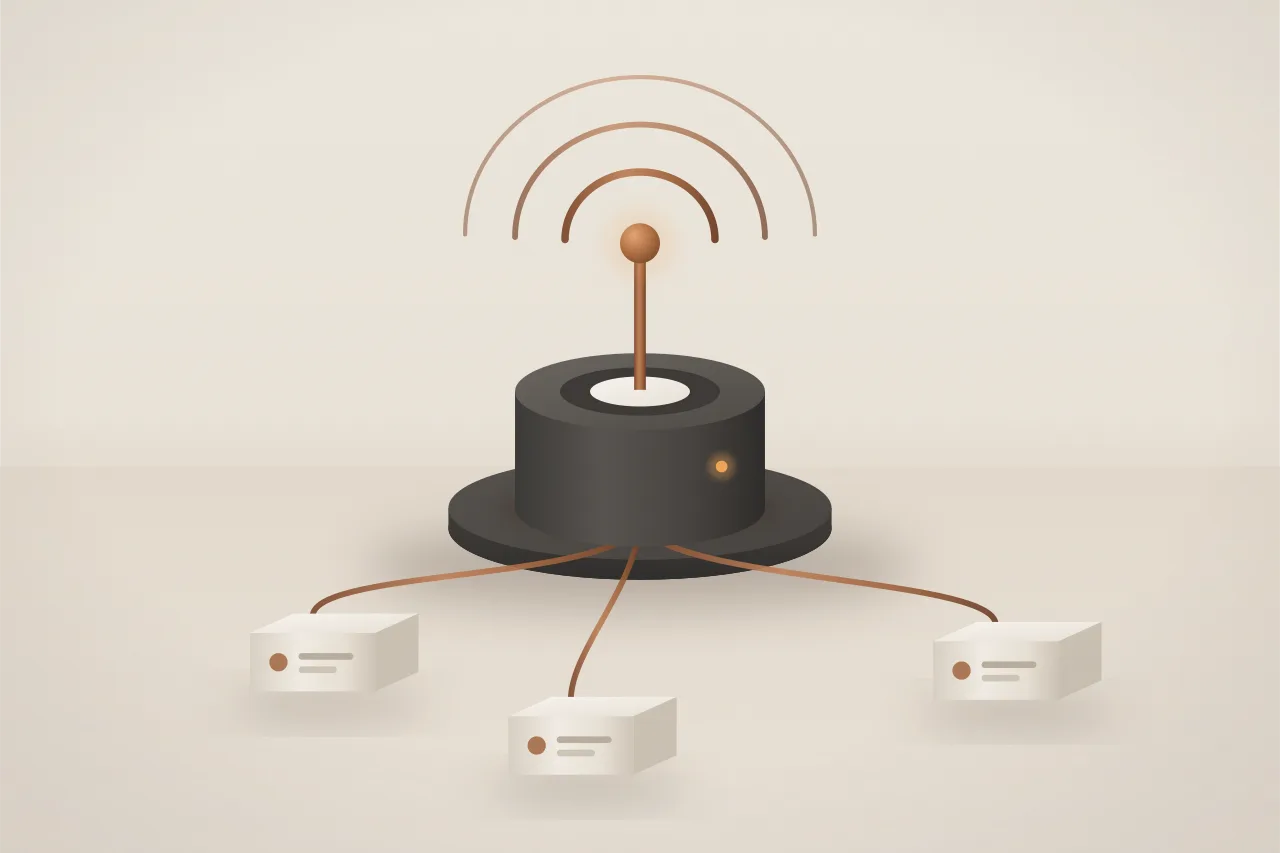
Illustrative server. Connection capacity per size is an engine target, shown as an estimate until load tests confirm it.
Use it from the CLI
hubfly realtime, or rt for short, manages servers, apps, keys and webhooks, writes bindings into your projects, publishes test events and tails live traffic.
Command referencehubfly-cli
A few useful details
Works well with
Host the backend that authorizes users and publishes events.
Keep the data behind your live features in PostgreSQL, MySQL or SQLite.
Yes, for Pusher Channels protocol 7: public, private, presence, encrypted and cache channels, client events, the signed server API and webhooks. pusher-js, Laravel Echo and Broadcasting, and Pusher server libraries connect once you set the host, key and secret. Direct messages, history and receipts are Hubfly space extensions, available in @hubfly/realtime and the Go package. Watchlists and HTTP fallback transports are not supported.
You do. You generate the master keys, for example with hubfly realtime keygen, and keep them on your own servers; channel keys reach clients only through your auth endpoint. Hubfly space never stores or receives them. It still sees metadata such as channel names, user ids, presence membership, message sizes and timing. If your auth endpoint and keys also run on Hubfly space hosting, encryption protects your messages from the realtime service, not from the hosting platform.
It depends on the size: about 2,500 concurrent connections on Nano, 7,500 on Small, 20,000 on Medium, 50,000 on Large and 100,000 on X-Large. These are engine targets, shown as estimates until per-size load tests confirm them. You can resize a server without restarting it.
Like Managed Databases, it is billed hourly: compute at the dedicated container rates, storage for its 1 GiB volume, and a management fee of 30% of compute while the server runs. Nano comes to about $1.92 a month. There are no per-message or per-connection charges. The quote in Dashboard or the CLI is authoritative.
Each server runs on a single node, without replicas. A restart hands connections to a new process in about one to three seconds, and sessions resume. Stopping the server or upgrading its engine interrupts service for roughly 10 to 20 seconds; clients reconnect automatically.
Hubfly space chooses the location; there is no region picker, and a server is not replicated across regions. WebSocket clients can connect from anywhere. An optional IP allowlist protects the server API that your backend uses to publish.
Realtime is rolling out gradually. Dashboard shows whether you can create a realtime server; until it is available to you, it shows that Realtime is not available yet. The CLI, SDKs and docs are ready for when it is.
Build with Realtime
A dedicated WebSocket server for chat, notifications, live dashboards and presence. It speaks the Pusher Channels protocol, so pusher-js, Laravel Echo and Pusher server libraries work once you change the host and keys.